Sort Special Offers
The Sort Special Offers tool is used to set the priority of the active offers when offers overlap: it shows all the offers you can use in the POS interface on today's date.
You can define new offers to use in the POS with the "POS Special Offer" button on the main ribbon - POS tab - Offers and Discounts group.
Reaching Sort Special Offers
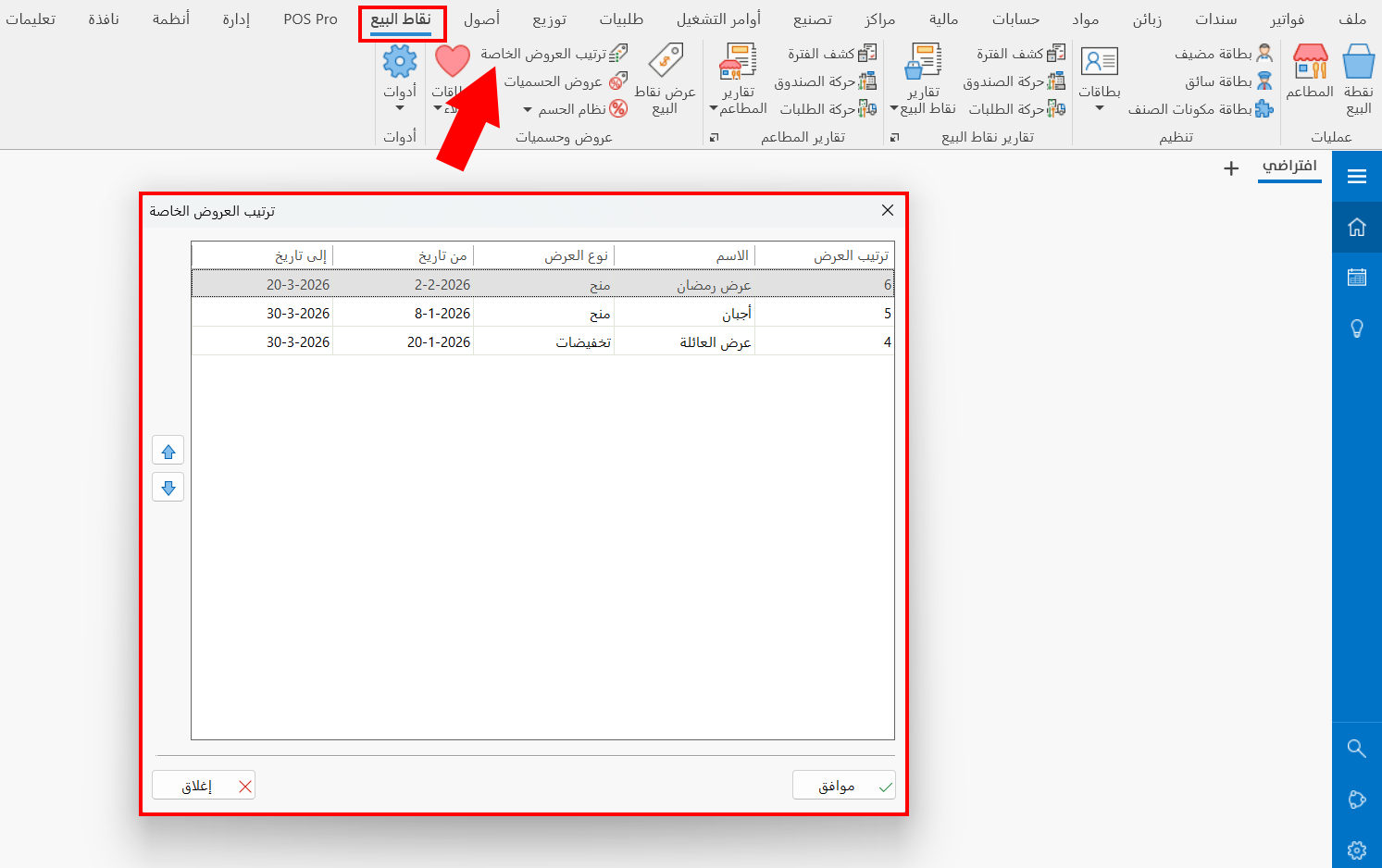
You can reach the Sort Special Offers tool from the main ribbon - POS tab - Offers and Discounts group.
Once requested, the window appears as follows:
Contents of the Sort Special Offers Window
The Sort Special Offers window contains a table of the active offers, that is, the offers whose validity date matches the current date and in which the "Offer is active" option is selected in the "POS Special Offers" window.
The table shows the data of the defined offers: the order of the offer, the name, the offer type, from date, to date.
Setting the Priority of Offers
The window lets you reorder the offers and set their priority with the following arrows:
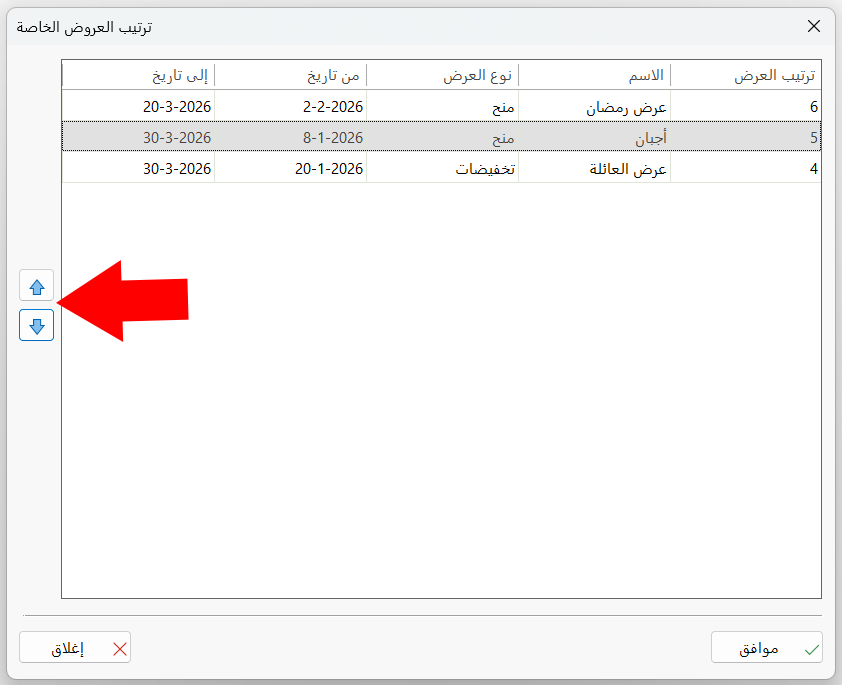
After clicking the offer you need:
Click the up arrow to move the offer up and give it priority.
Click the down arrow to lower the priority of the offer.