Optimal Use of Reports
A report in alameen ERP shows the stored data in a clear, formatted way, so you can review and analyze it, and gives an accurate summary of the various movements and operations.
When you reach the report you need, you may need to take some actions to control the information it shows.
After you click the report button, a window called the report window opens; you can use it to customize the report and show exactly the information you need from it.
For example, when you click the "Daily Movement" report on the "Materials" tab, the window opens as follows:
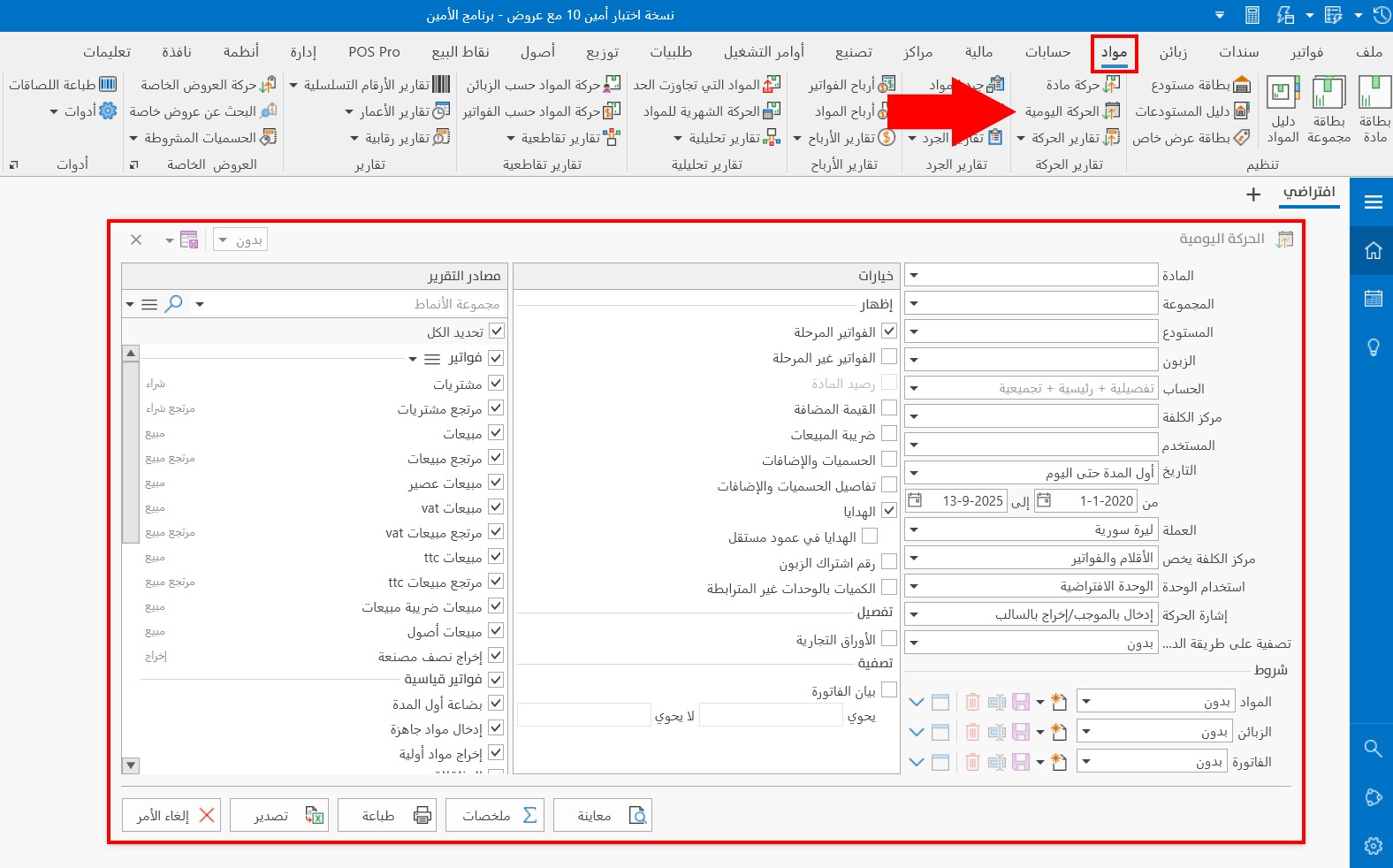
The contents of the window differ according to the requested report, including many of its fields and options: you can set the options and conditions of the report in the window before requesting the preview.