Share the Report as PDF, RTF, XPS, Image
When you choose to share the report in one of the following formats: PDF, RTF, XPS, image, the program starts creating the document in the chosen format, then the "Share File" window opens so you can set the sharing method and add the recipients.
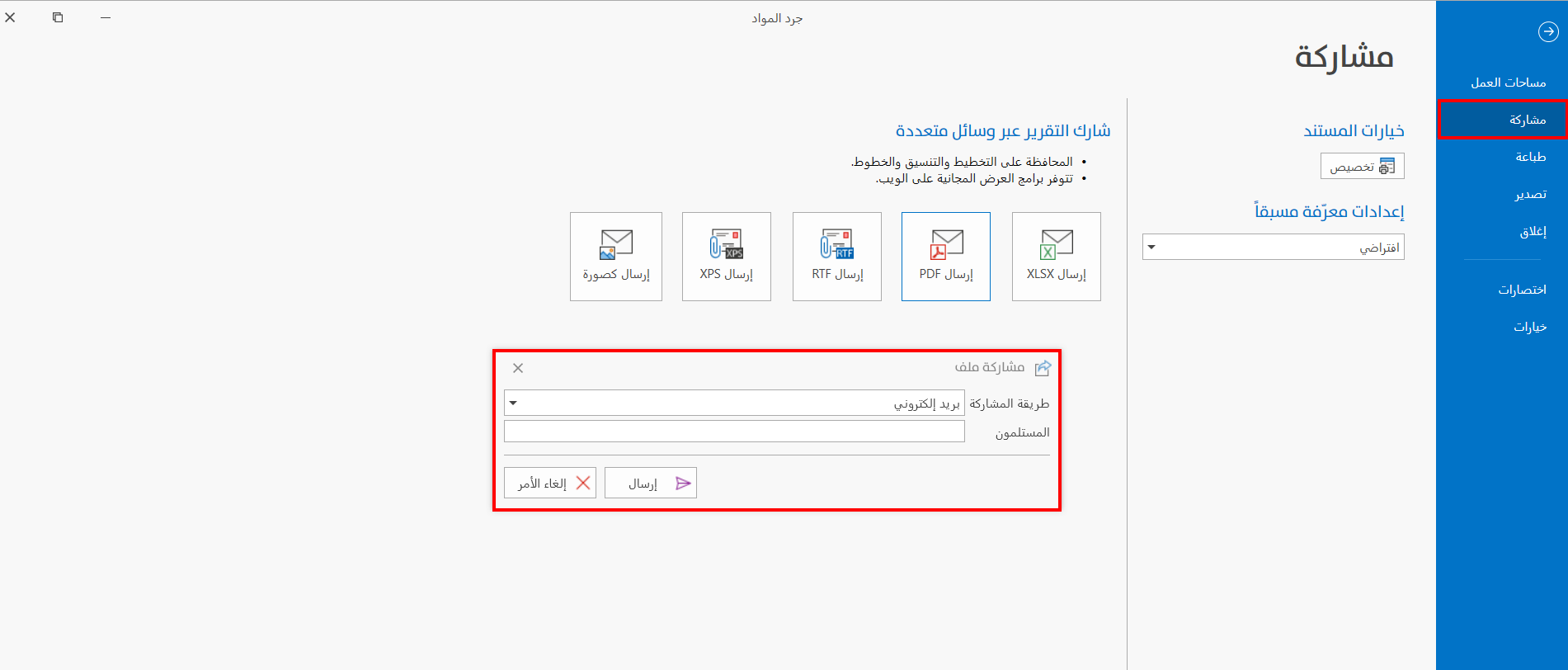
You can share the report in the following ways:
SMS
After setting the method, enter the recipient in the "Recipients" field.
Enter the email of the recipient if the sharing method is "Email".
Enter the number of the recipient if the sharing method is "SMS, or WhatsApp".
Click the "Send" button in the window to finish sharing the workspace, or the "Cancel" button to undo the sharing.
To link the email or number to the program, go to the program options window - Link tab - Share Settings.