Share Report
You can share the data of the report in different formats, with many users.
How to Share
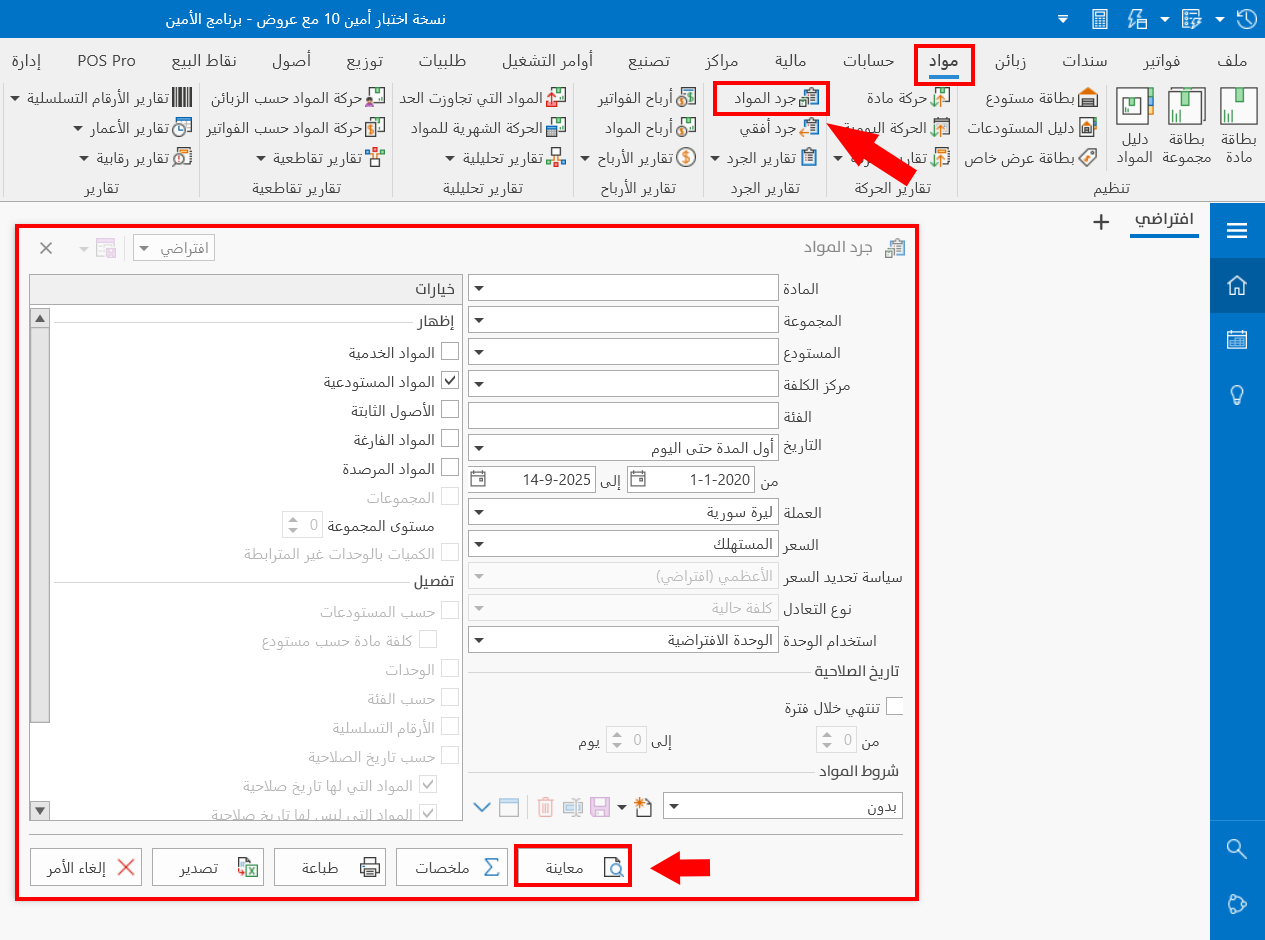
After clicking the button of the report you want to share (for example, the Materials Stock-take report), request its preview from the options window.
Go to the "File" tab on the main toolbar.

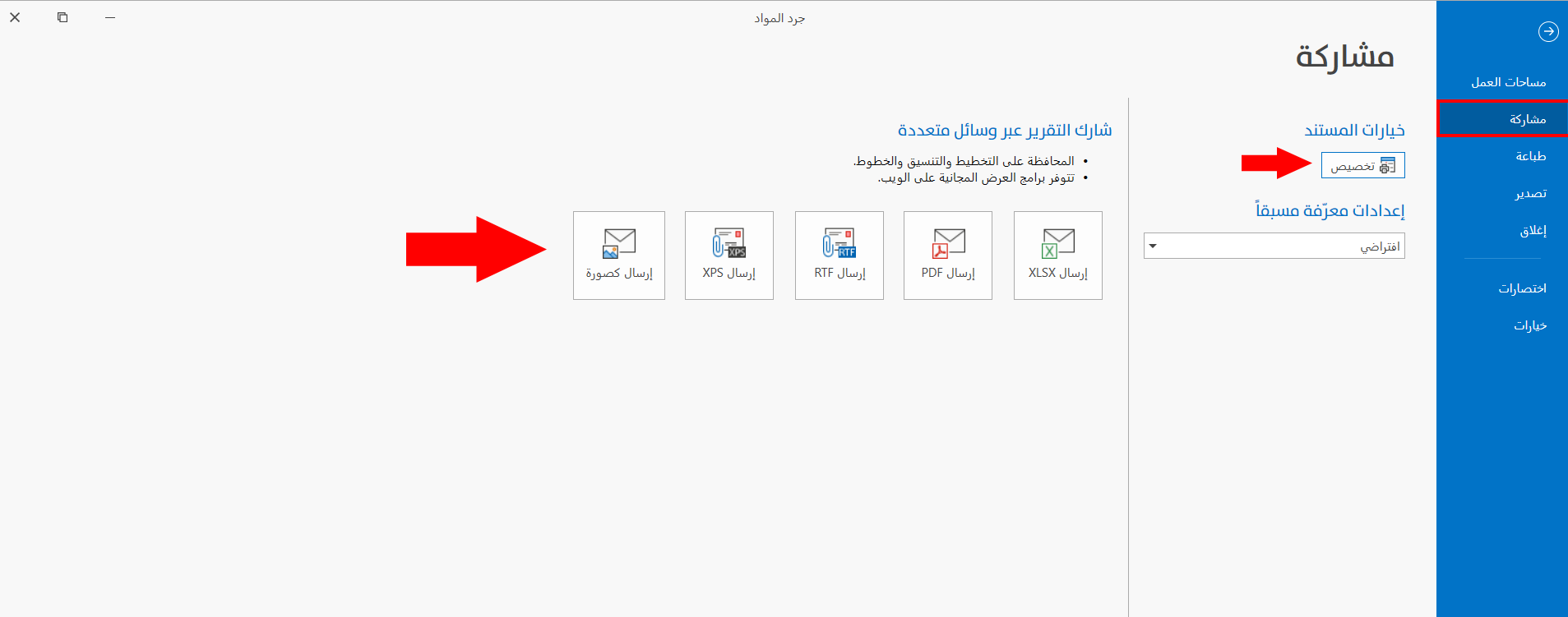
On the "Share" tab, you can set the format you need for sharing.
Share the Report through Several Channels
The program can share the data of the report in the following formats:
Send as PDF, Send as RTF, Send as XPS, or Send as Image.
You can customize the document options by clicking the "Customize" button, then choose the suitable sharing method.