Operations in Reports
Operations in a report are the actions you can take on it: the program provides exporting, printing, and sharing the report, and you can create different workspaces for the same report.
To reach the operations of a report, follow these steps:
Click the button of the report you need on the main ribbon of the program; the options window opens.
Then request a preview of the report with the "Preview" button in the report options window.
Then click the "File" tab on the main ribbon of the report preview window.
The program then moves to the interface that contains a list of the operations you can perform:
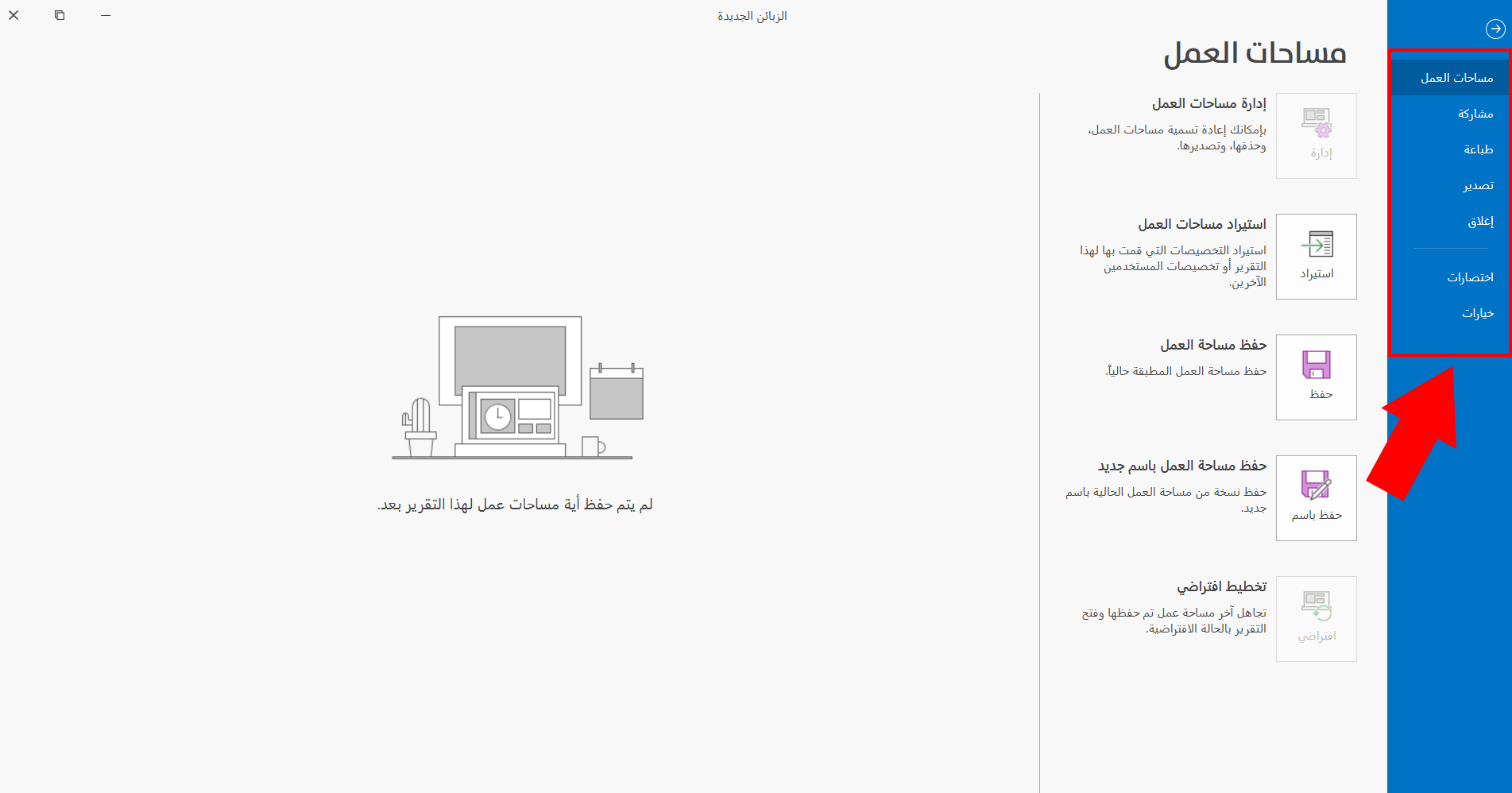
Workspaces: to view, save, and manage workspaces.
Share: to share the report through several channels.
Print: to print the report with a custom format and layout.
Export: to export the report to several file formats.
Close: to close the report.
Shortcuts: to learn the keyboard shortcuts in reports.
Options: to show the report options window and control the available default options.
After you move to the "File" tab of the main ribbon of the report, the interface opens on the "Workspaces" operation by default: you can use it directly, or move to and choose the operation you need by clicking it with the left mouse button; the interface then changes according to the operation.