Verifying Stock Accounts
alameen ERP provides accounts and invoices control reports to give a comprehensive and accurate view of your company's financial performance, including the "Verifying Stock Accounts" report.
Report Purpose
The "Verifying Stock Accounts" report compares, day by day, the balance of the inventory account with the inventory value in the warehouse at the cost price, and shows the results at the date on which the first difference between them was found.
To show the report, you must fill in the "Account" field of the report window, because it is mandatory: you verify the stock accounts of a particular account, and you can narrow the report to the stock of a material or a group of materials, and choose the price you need. By default, the report uses the "Cost" price, but you can change the price from the drop-down list of the "Price" field and choose "Fixed Weighted Average".
The report window lets you set a value so that the report ignores all the differences smaller than this value: enable the option "Ignore diff value less than", then enter the value yourself in the field, or use the arrows to move up or down through the numbers until you reach the suitable value.
The report shows the date of the first difference between the balance of the inventory account and the inventory value in the warehouse, the inventory value, the balance value, and the value of the difference between them.
Reaching the Report
You can reach the Verifying Stock Accounts report from the main ribbon - Materials tab - Reports group - the drop-down list of the Control Reports button.
Once requested, the report window appears as follows:
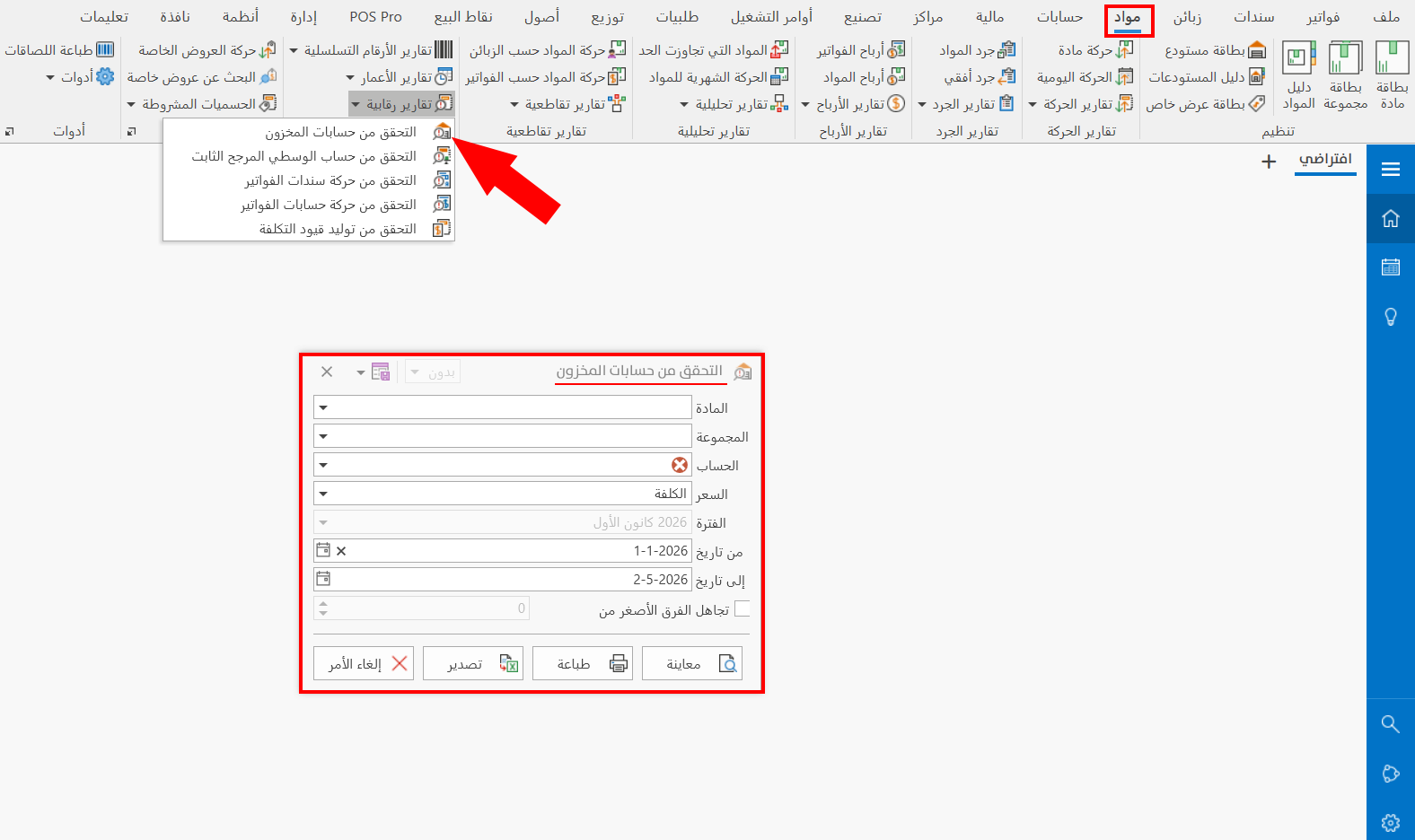
The report window contains various fields and options that help you view the details you need.
Report Window
The window lets you set the criteria and data you want the report to show. It includes several main sections, such as the filter fields and the price choice, and you can set a value below which differences are ignored.
For more details, go to Report Window.
Report Window Operations
You can perform many operations on the report data, such as previewing and exporting.
Please see Report Window Operations.