Invested Assets by Customer
alameen ERP provides a set of reports for following the movement and quantities of invested assets, including the "Invested Assets by Customer" report.
Report Purpose
The "Invested Assets by Customer" report shows all the assets (guardianships) delivered in trust to customers, according to the asset investment contract with which the customer's receipt of the asset was recorded. The report shows the details of the contract and the customer's total sales, which helps you see how far the sales meet the terms of the asset investment.
You can request the report to find all the assets delivered to customers in investment contracts, for a particular sub asset, or for the sub assets of a particular fixed asset (material). You can also request the report to show the investment details of a group of assets, or of the assets a customer received.
The report shows the investment status of the asset over a period you choose from the periods in the drop-down list of the Date field, or enter yourself in the "From" and "To" date fields. It shows the name of the asset and its sub code, its price, the name of the customer who received the asset, the material type (fixed asset), the contract date (the date the asset was delivered to the customer), and the contract end date if the contract was closed; if it was not closed, the field shows (Not Closed). The report also shows the customer's total sales.
You can add more material fields (group name, Source...) and customer fields (Nature of Work, customer address...) with the field list in the preview interface.
Reaching the Report
You can reach the Invested Assets by Customer report from the main ribbon - Assets tab - Investments group - the drop-down list of the Reports button.
Once requested, the report window appears as follows:
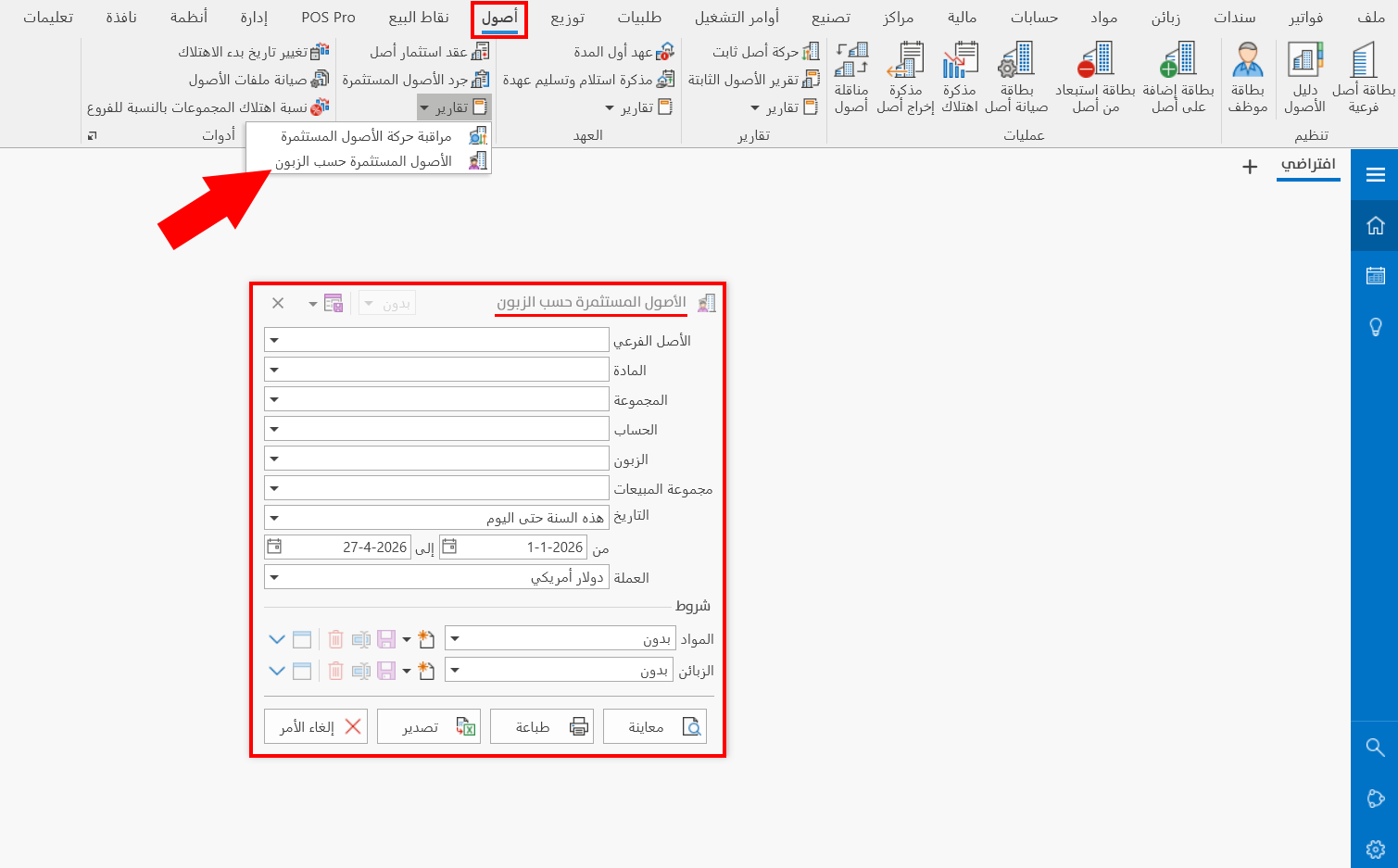
The report window contains various fields and options that help you view the details you need.
Report Window
The window lets you set the criteria and data you want the report to show. It includes the filter fields, such as the sub-asset, as well as the materials and customers terms.
For more details, go to Report Window.
Report Window Operations
You can perform many operations on the report data, such as previewing and exporting.
Please see Report Window Operations.