Return Vouchers
Set the commercial paper form (payment only) to use for return vouchers in the payment screen: after you click the "Return Vouchers" button, the following window opens:
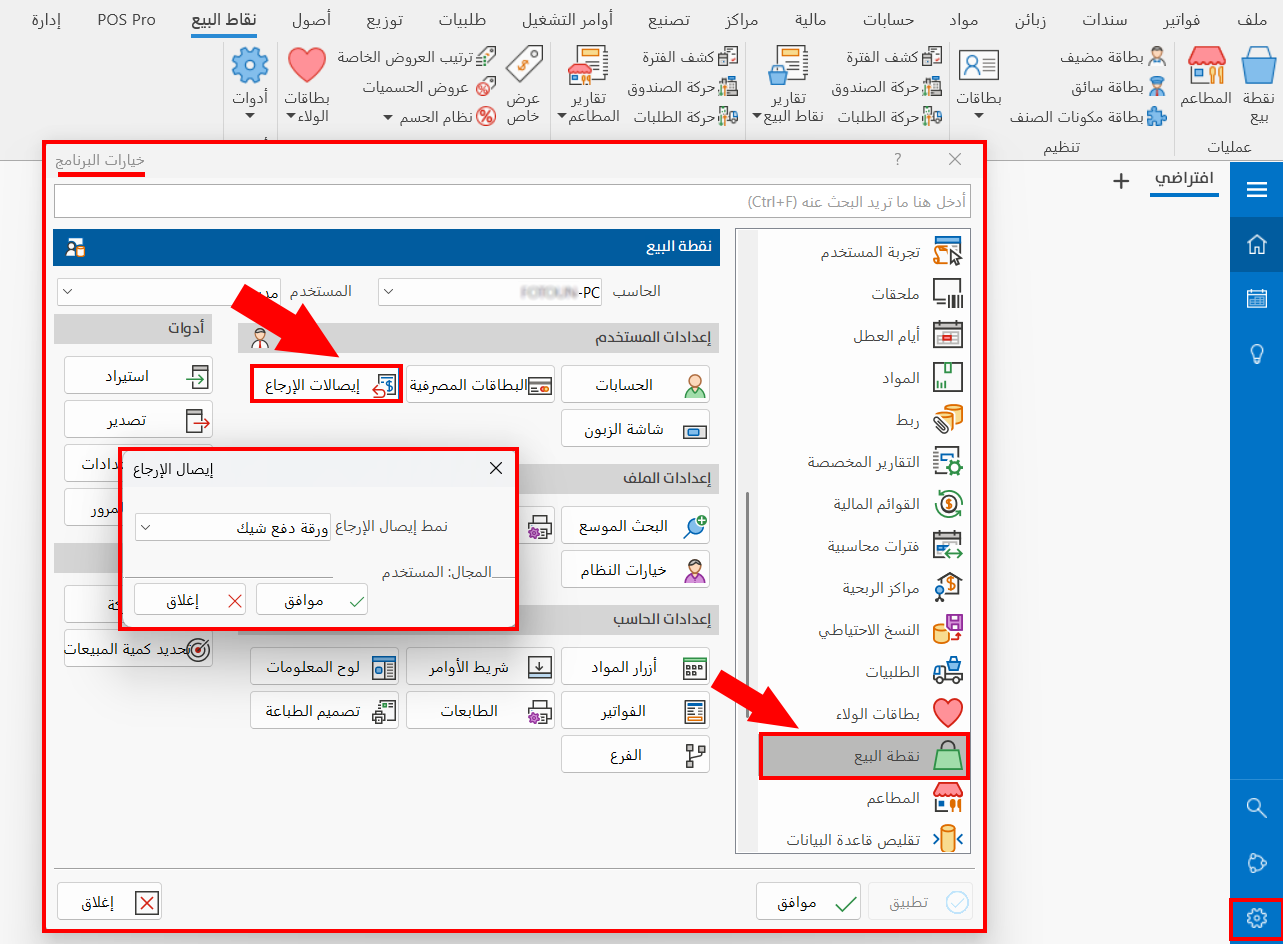
To set the return voucher form, click the arrow in the field: a list of the commercial papers (payment papers) defined earlier in the "Commercial Papers Forms" window opens.
note
Click "OK" in all windows to save the settings.