Reports and Tools
The program gives you easy access to some of the point of sale reports and tools you need from one window in the interface: the "Reports and Tools" window, which opens when you click the "Reports and Tools" button in the main commands menu.
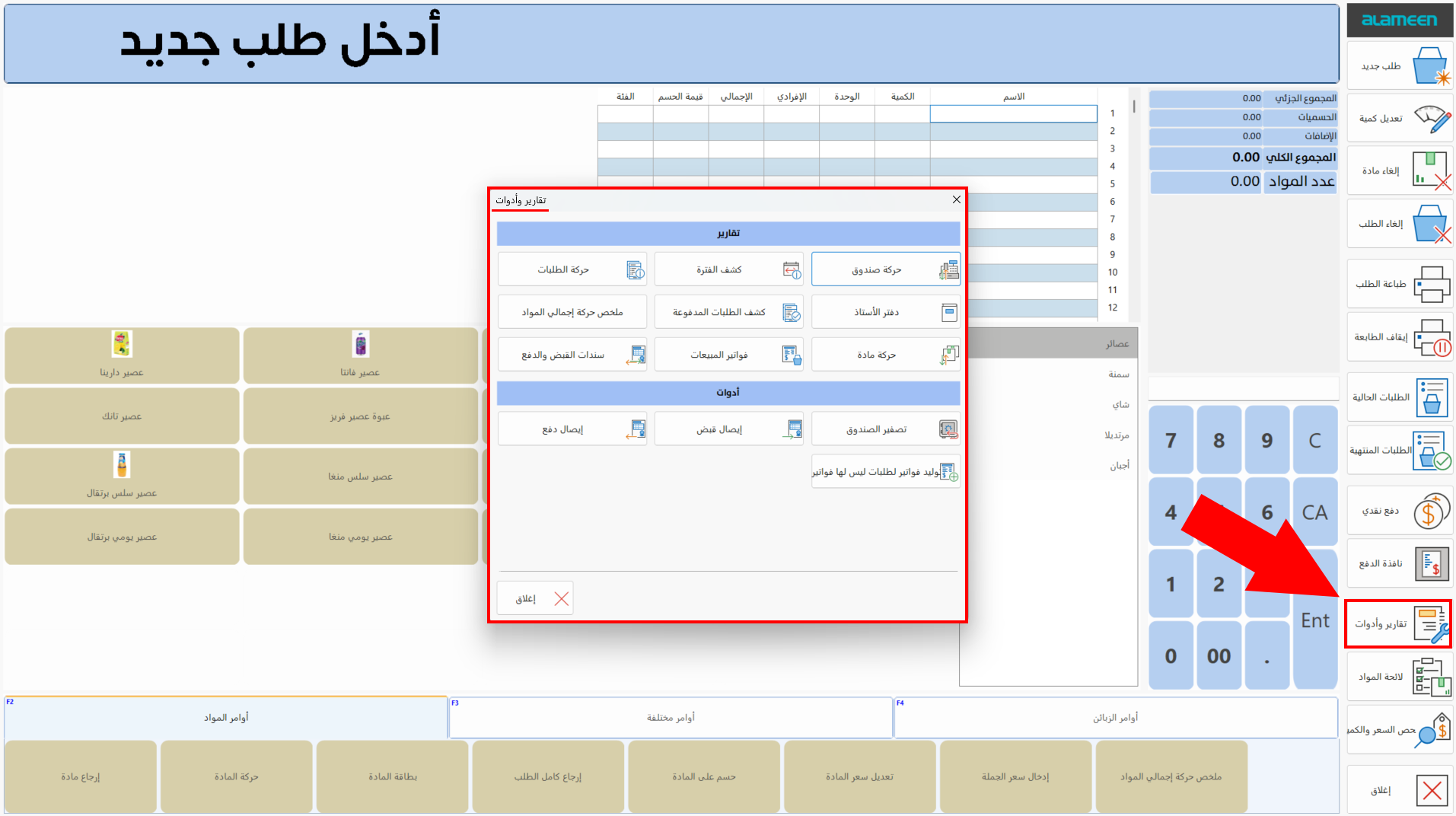
The window is divided into two groups:
Point of Sale Reports
The "Reports" group shows some of the reports the program provides for the point's users; a user with the permission (an alameen accounting and warehouses user) can reach additional reports.
The following reports are available in the "Reports and Tools" window:
Point of Sale Tools
The "Tools" group shows some of the tools the program provides for the point's users by default; a user with the permission can add more tools and commands.
The following tools are available in the "Reports and Tools" window:
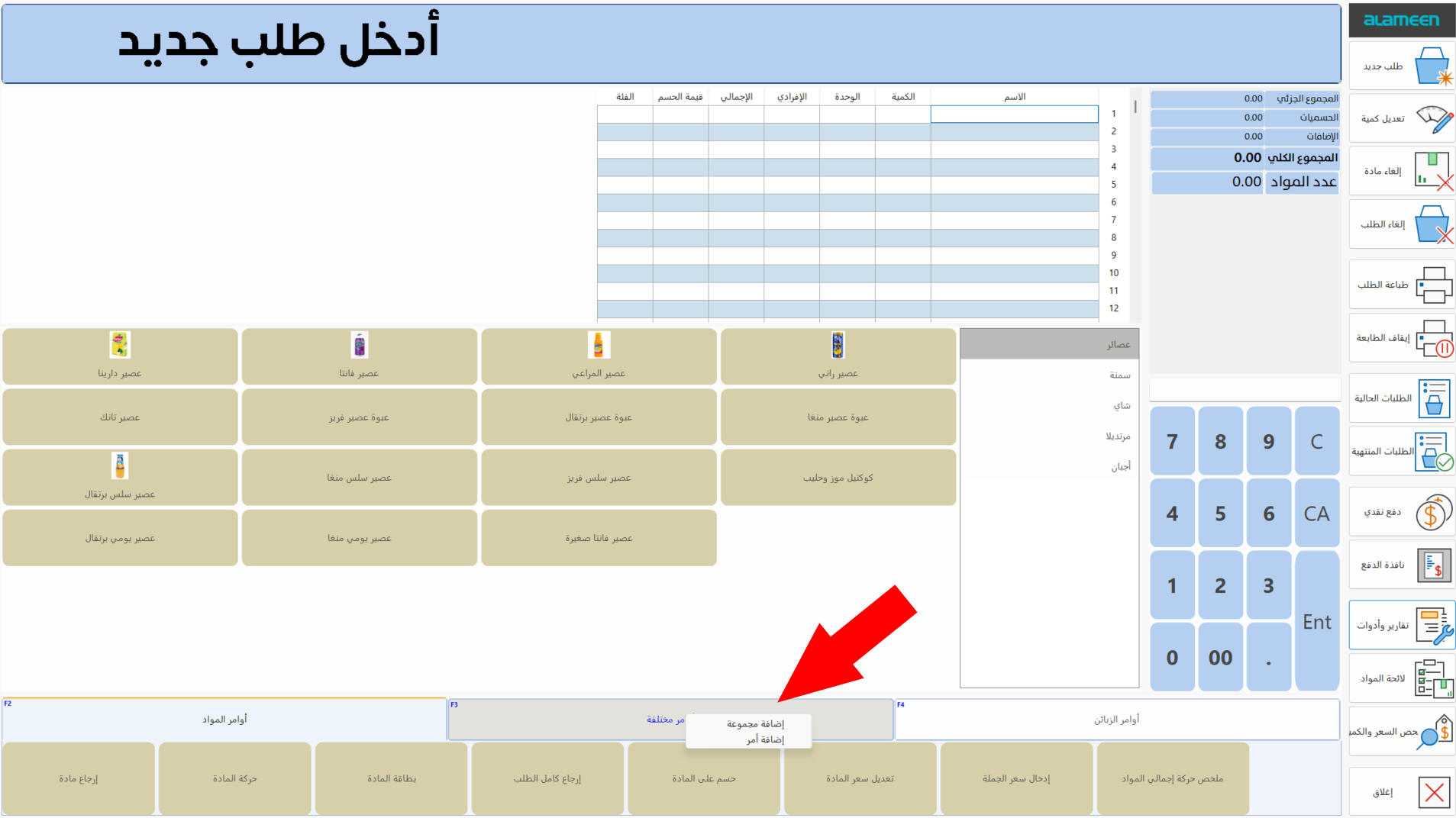
You can add new tools from the Program Options window - Point of Sale tab - Commands Bar option, or from the point of sale interface by right-clicking the name of one of the groups of command buttons and choosing "Add Command".