Assembly and Disassembly Invoices Forms
If you are a user with the permission, you can create your own assembly and disassembly invoices form.
Creating the form for the first time (that is, the first assembly and disassembly form) is done in the "Forms Management" window on the Management tab of the program's main ribbon.
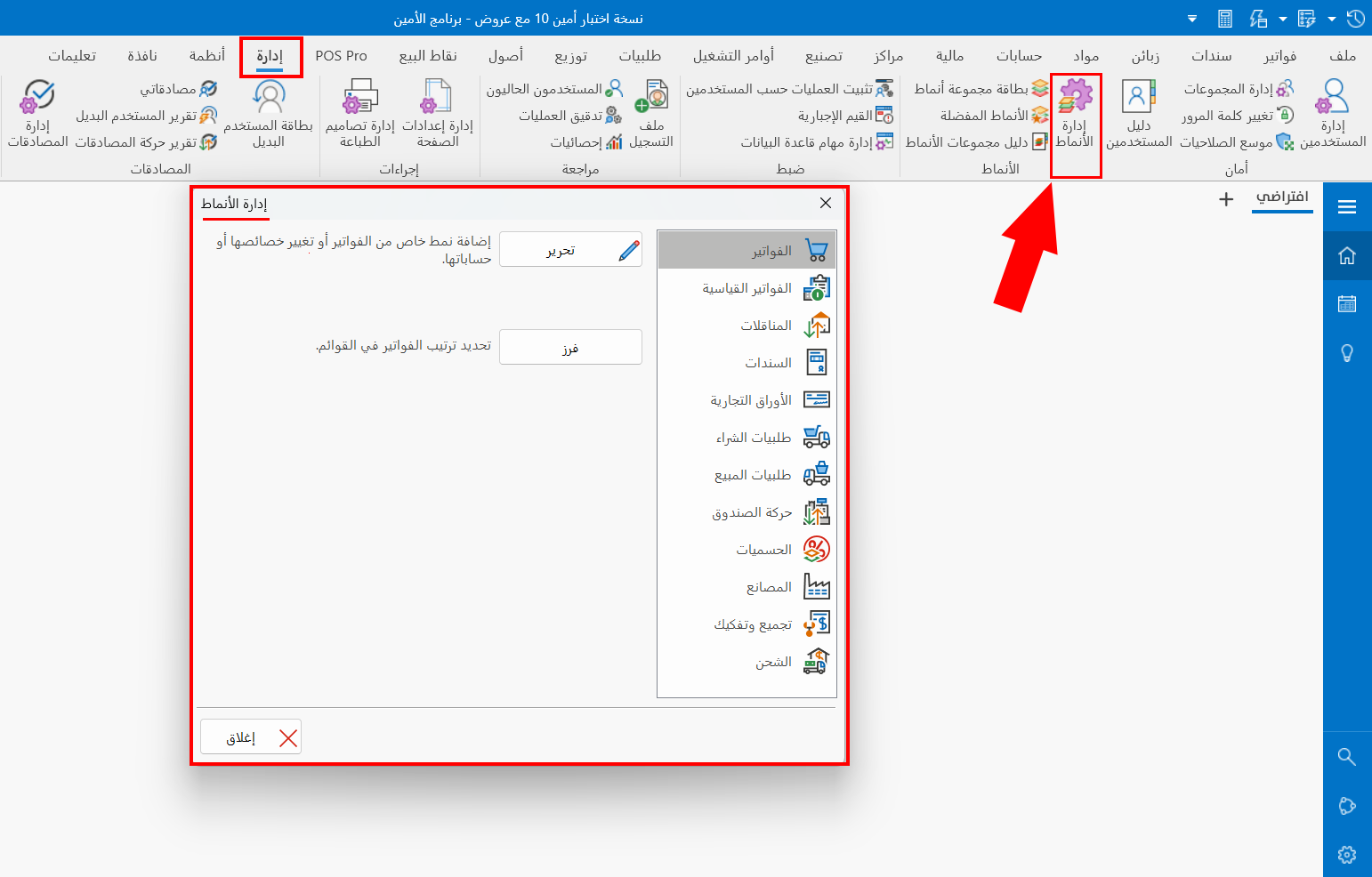
Click the "Assembly and Disassembly" tab; the contents of the window become as follows:
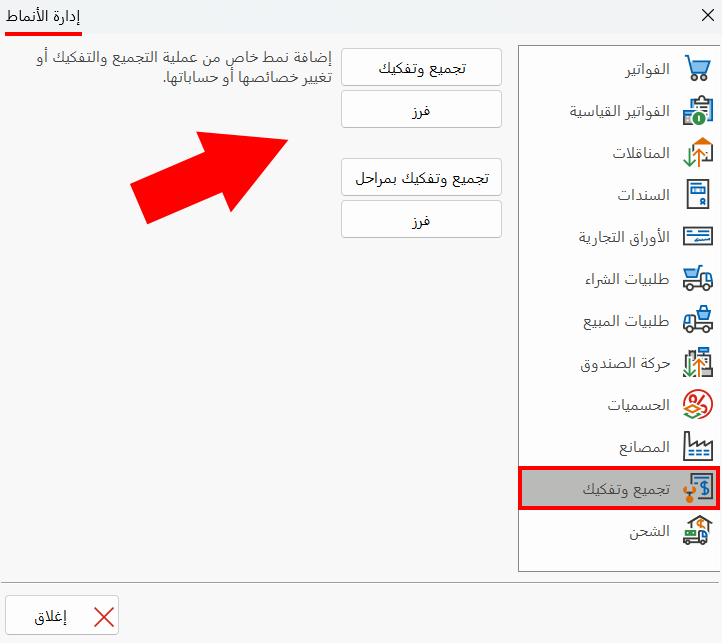
- Assembly and Disassembly
Creates an assembly or disassembly invoice form without stages.
- Sort
Sets the order in which the buttons of the assembly and disassembly invoices forms appear on the program's main ribbon.
- Assembly and Disassembly with Stages
Creates an assembly or disassembly invoice form with stages.
- Sort
Sets the order in which the buttons of the assembly and disassembly with stages invoices forms appear on the program's main ribbon.
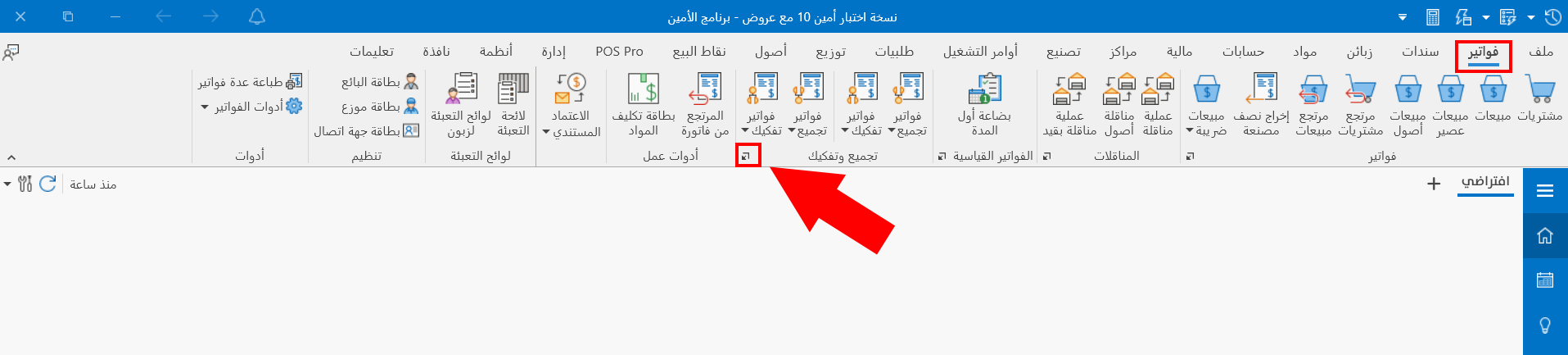
After you create the first form, it is listed directly on the "Invoices" tab of the program's main ribbon: the program creates a group named "Assembly and Disassembly" to hold all the forms you will define.
As a result, you can create a form with the dialog box launcher button in the "Assembly and Disassembly" group.