Chart of Customers
The chart of customers helps you view the customer accounts defined in the program according to the main accounts they belong to. With the chart window you can add a new customer/supplier, and view the account cards and the ledger of a particular account.
The Chart Window
The chart shows the accounts of the defined customers and suppliers as a hierarchy, sorted by the main accounts they belong to. The main accounts appear fully collapsed, and you can expand them down to the customer accounts you want.
How Do I Reach the Chart?
You can view the chart of customers from the Customers tab on the main ribbon - "Settings" group.
It appears as follows:
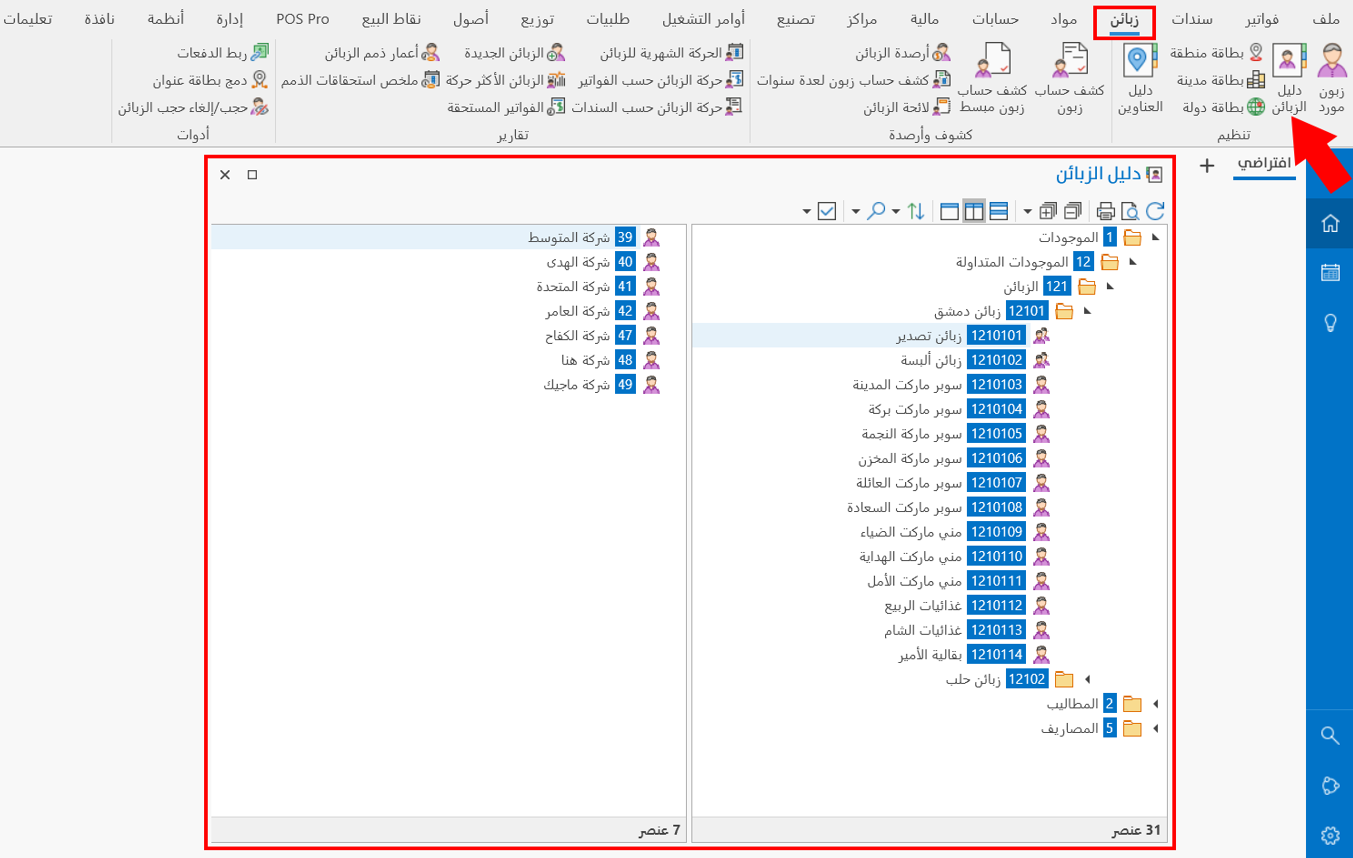
Operations in the Chart
Please see Chart Operations.
The Chart Toolbar
Please see Chart Toolbar.