Chart of Profit Centers
This chart gives a hierarchical view of all the profit centers defined in the program (main, sub), sorted by code by default, to make it easy to browse, navigate, and carry out the basic operations.
The Chart Window
The window shows the chart of all your defined profit centers as a hierarchy, and you can re-sort them with the chart's sort tool.
How Do I Reach the Chart?
You can view the chart of profit centers from the Centers tab on the main ribbon - "Settings" group.
It appears as follows:
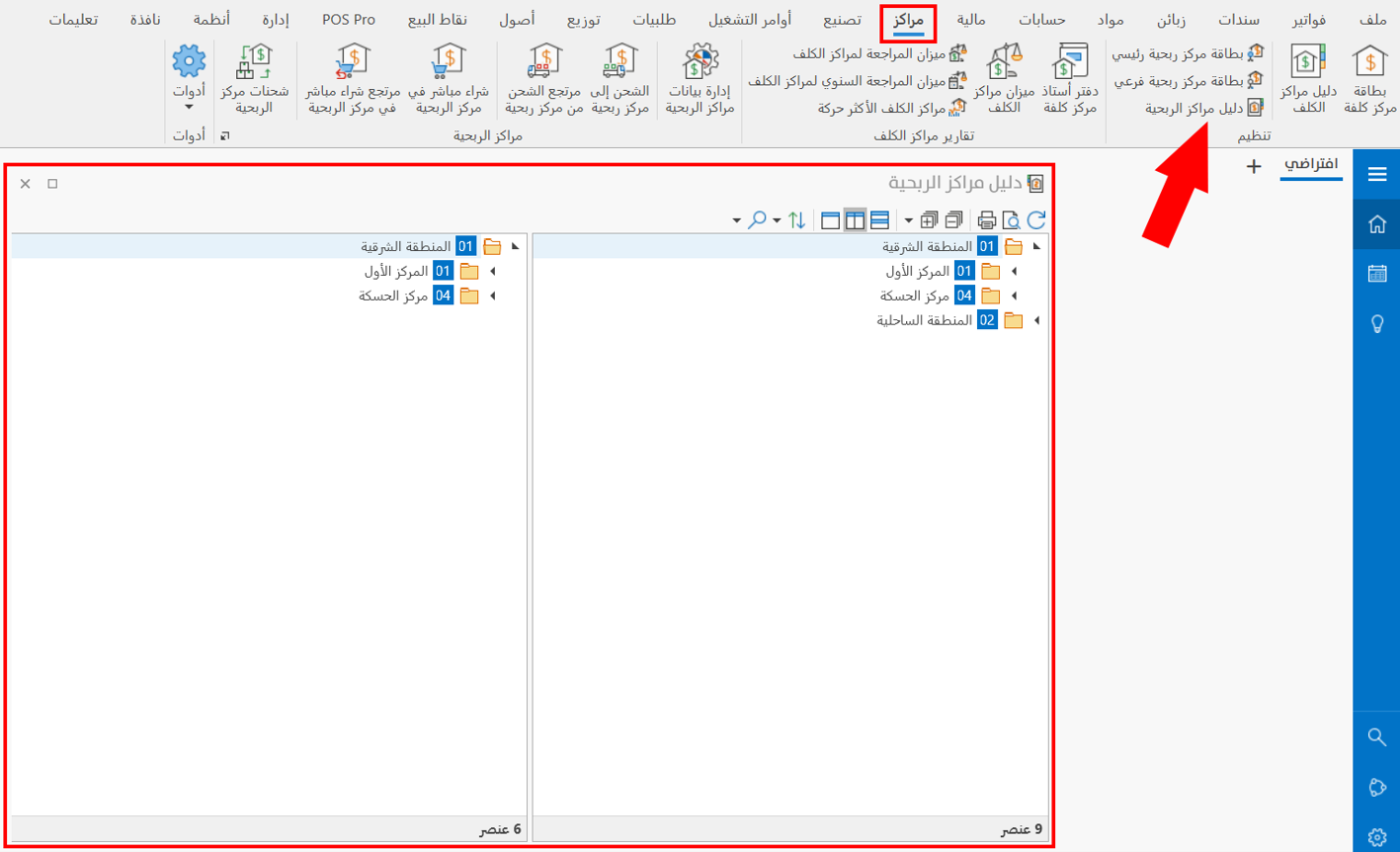
Operations in the Chart
Please see Chart Operations.
The Chart Toolbar
Please see Chart Toolbar.