Warehouses Quantity
The "Warehouses Quantity" tab of the material card shows a brief report on the current quantities of the material defined in the card: when you open a material card and move to the Warehouses Quantity tab, the following table appears:
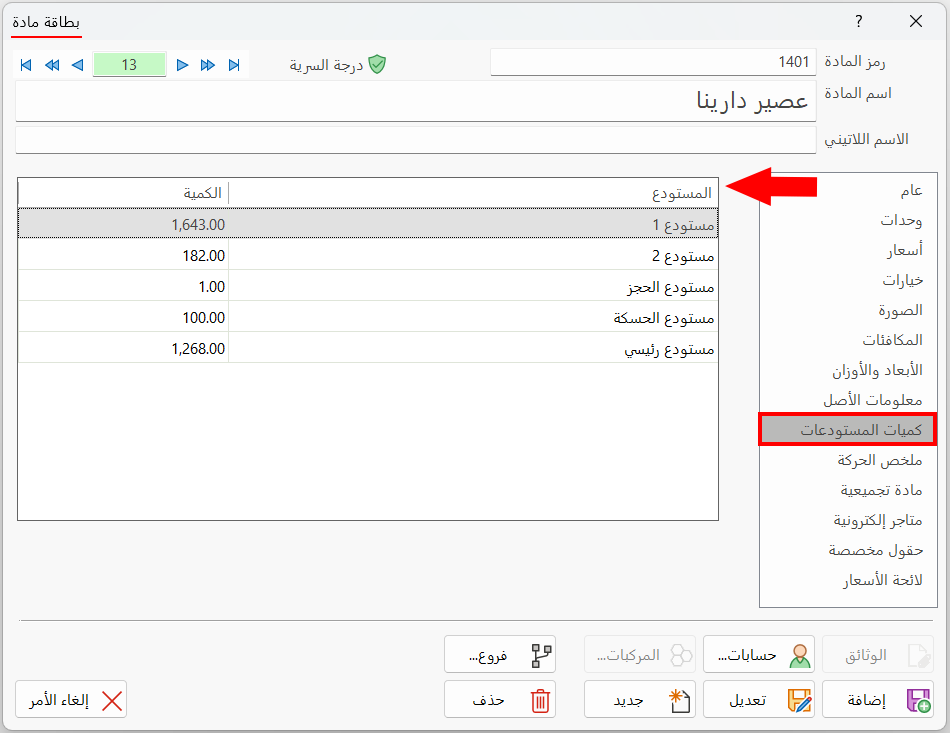
The first column of the table shows the warehouse name, and the second column the quantity of the material available in that warehouse.
The data in the table is read-only, so you cannot change it: it is listed according to the input and output operations (sales, purchases, and transfers) carried out on the material.