Material Card - Price List
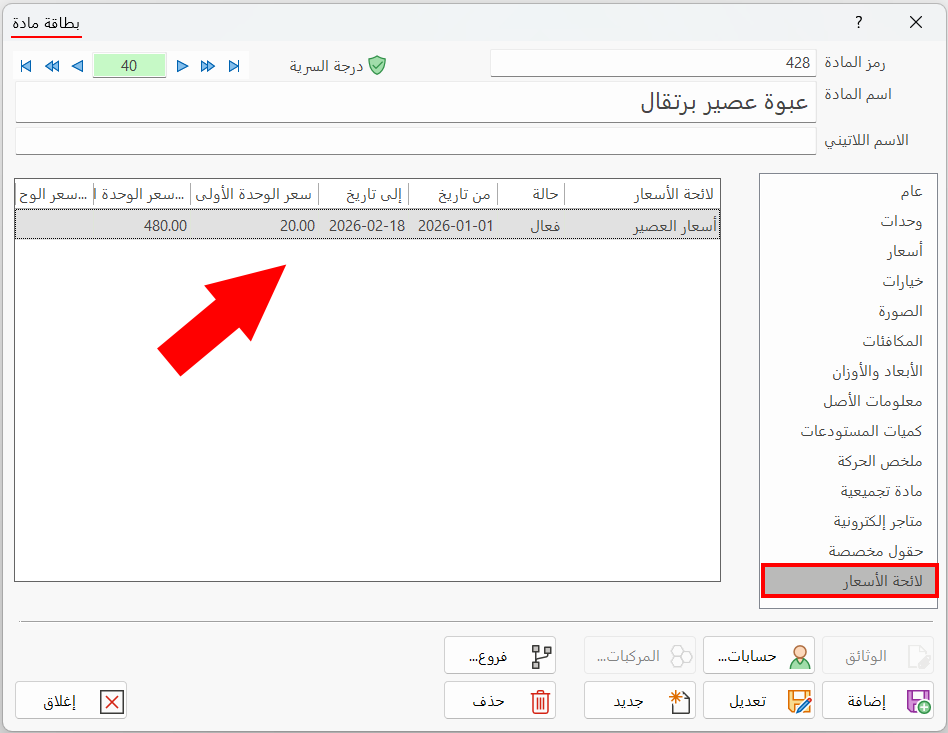
The Price List tab of the material card shows the price lists the current material belongs to: when you add a new price list for a group of materials that includes the current material, the data of that price list appears on the Price List tab of the material cards.
You can add a new price list from the main ribbon - Materials tab - Tools group - the drop-down list of the Tools button.
For example, add a price list named "Ramadan Meal Prices", add a number of materials to it (vegetable soup, mushroom soup, pizza...), and set the mandatory information such as the unit price, the list code, whether it is active, and the date range in which the list applies. Then open the material card of one of the materials added to the list and click the "Price List" tab; the contents of the tab appear as follows:
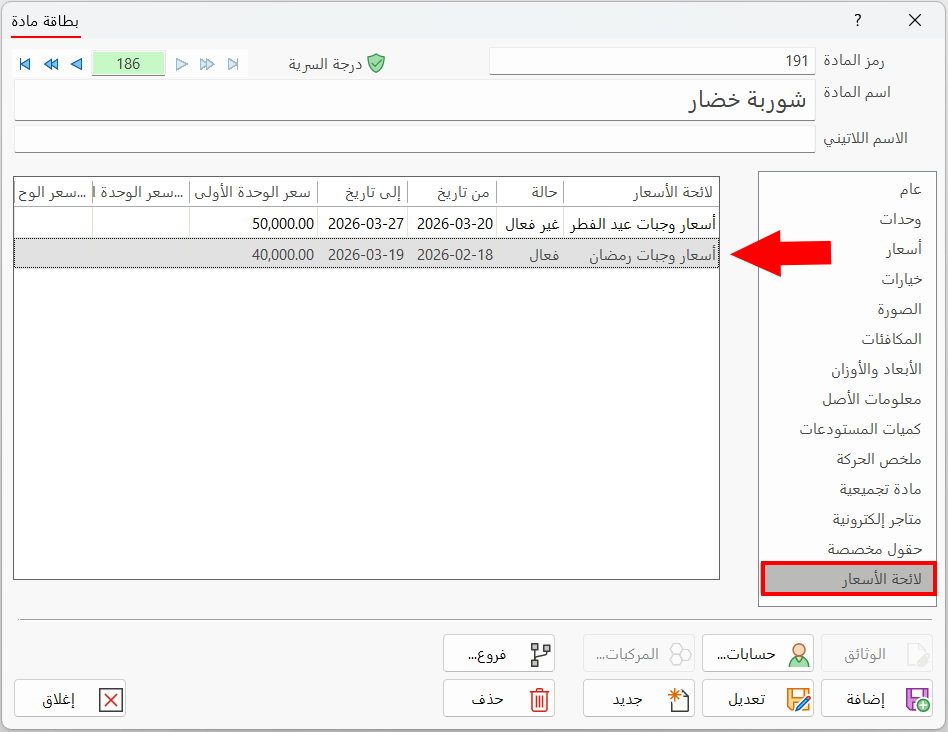
The price list is listed in the table on the tab, which contains:
Price List
The column shows the name of the price list the current material belongs to, whether the list is active or not, and whether its date range matches the current date or not.
Status
The column shows the status of the price list, based on whether you enabled the "Active" option in the price list card.
From
The start of the date range you set in the "From" field of the price list card: the date on which the program starts applying the prices to the materials as set in the list card.
To
The end of the date range you set in the "To" field of the price list card: the date on which the program stops applying the prices to the materials as set in the list card, and goes back to using the prices set in the material card.
Unit 1 Price
The column shows the price of the first unit you give the material in the list. The program uses this price instead of the first unit price in the material card, according to whether the price list card is active and its date range.
Unit 2 Price
The column shows the price of the second unit you give the material in the list. The program uses this price instead of the second unit price in the material card, according to whether the price list card is active and its date range.
Unit 3 Price
The column shows the price of the third unit you give the material in the list. The program uses this price instead of the third unit price in the material card, according to whether the price list card is active and its date range.
The program uses the material price set in the list when selling the material, when the status of the list is "Active" and within the date range in which the list is active.