Material Card - General
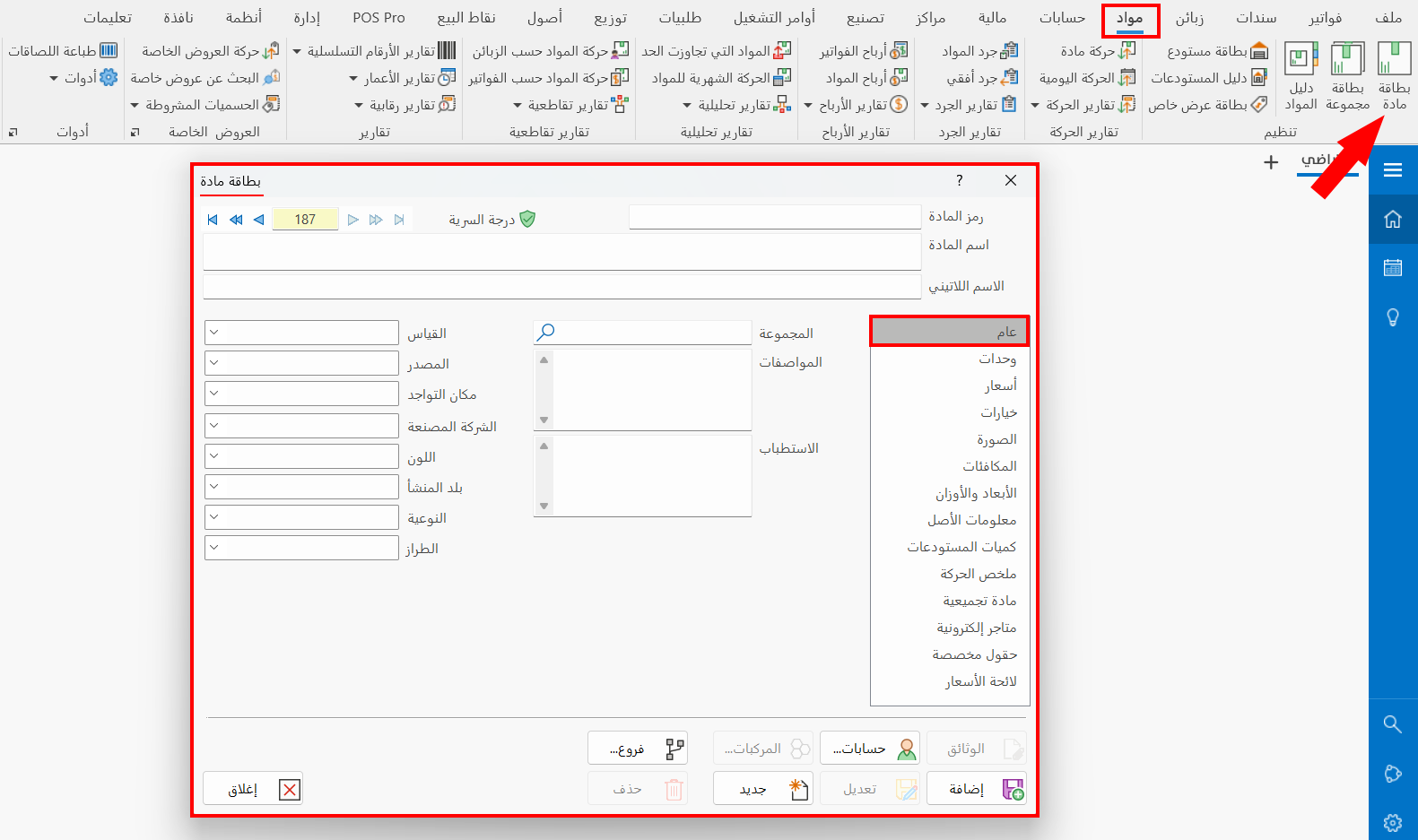
The General tab appears automatically when you open a material card. It contains the following fields:
Group
Enter the name/code of the group the current material belongs to. You can type some letters of the group name (or even one letter): if only one group starts with these letters, the program completes the group name automatically when you move to the next field.
You can use the search icon in the field, or type the (*) symbol, to open the "Select Group" window, which contains the groups defined with the group card. This field is mandatory.
You can add a new group card from the Select Group window, by clicking the "New" tool on the window's toolbar.
Specifications
You can enter the specifications of the material you are defining, to distinguish it from other materials.
Indications
The Indications field helps you describe the reasons for using the current material. For example, when you define a new medicine in a pharmacy, you can write its indications, which makes it easier to use it appropriately.
Size
Set the size of the defined material by typing it (large - small - medium...), or by choosing it from the sizes used earlier.
Source
Enter the source of the defined material by typing it (local - imported - Taiwan - French...), or by choosing it from the sources used earlier.
Location
Set where the defined material is located by typing it (first shelf - warehouse - factory - free zone...), or by choosing it from the locations used earlier.
Manufacturer
Set the manufacturer of the defined material by typing it (Ultramedica - Barakat - Fresh...), or by choosing it from the companies used earlier.
Color
Set the color of the defined material, if there is more than one variety or color that distinguishes this material from others, by typing it (black - silver - green), or by choosing it from the list of colors used earlier.
Provenance
Enter the country of origin of the material you are defining by typing it (Taiwan - Germany - Jordan...), or by choosing it from the countries used earlier.
Quality
You can add the quality grade in the material card by typing it (lux - super - high quality), or by choosing it from the quality grades used earlier.
Model
Enter the model of the material to specify it further, by typing it (SLK 2205 - FAF 8900), or by choosing it from the drop-down list of the field.