Country Card
Stores information about the country a client or supplier belongs to. The country is added to the customer or supplier data, to help classify and organize the data by geographic location.
You can reach the country card from the Customers tab on the main ribbon - "Settings" group.
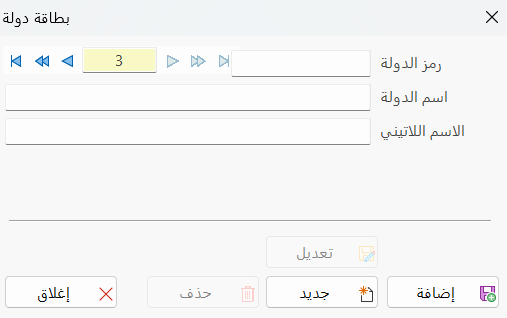
Once requested, it appears as follows:
Main Fields
The country card consists of several fields for adding the information needed to define the card:
Card Number and Navigation Buttons
Please see Serial Number and Navigation Buttons.
Security Level
Please see Security Level.
Country Code
Each country has a unique code; you can type the code according to standards you choose (this field is mandatory).
Country Name
Enter the name of the country you are defining a card for (this field is mandatory).
Latin Name
You can enter the name of the country in another language.
Standard Commands
Please see Standard Commands.
You cannot use the same country name or code in more than one card.
The card is not saved if one of the mandatory fields (code, name) is empty.
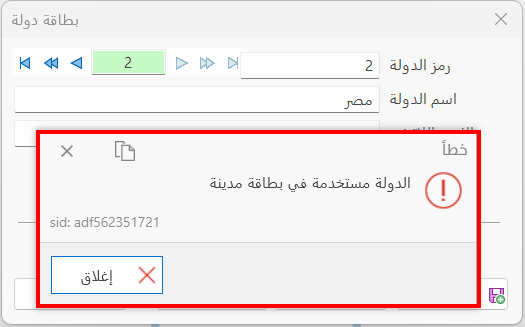
You cannot delete a country card that has been used in a city card; the following message appears: