Open File Location
The program shows the location of the current file on the computer as soon as you click "Open File Location".
Go to the welcome window from the "File" tab on the main ribbon, then right-click the file whose location you want to reach, and the following menu appears:
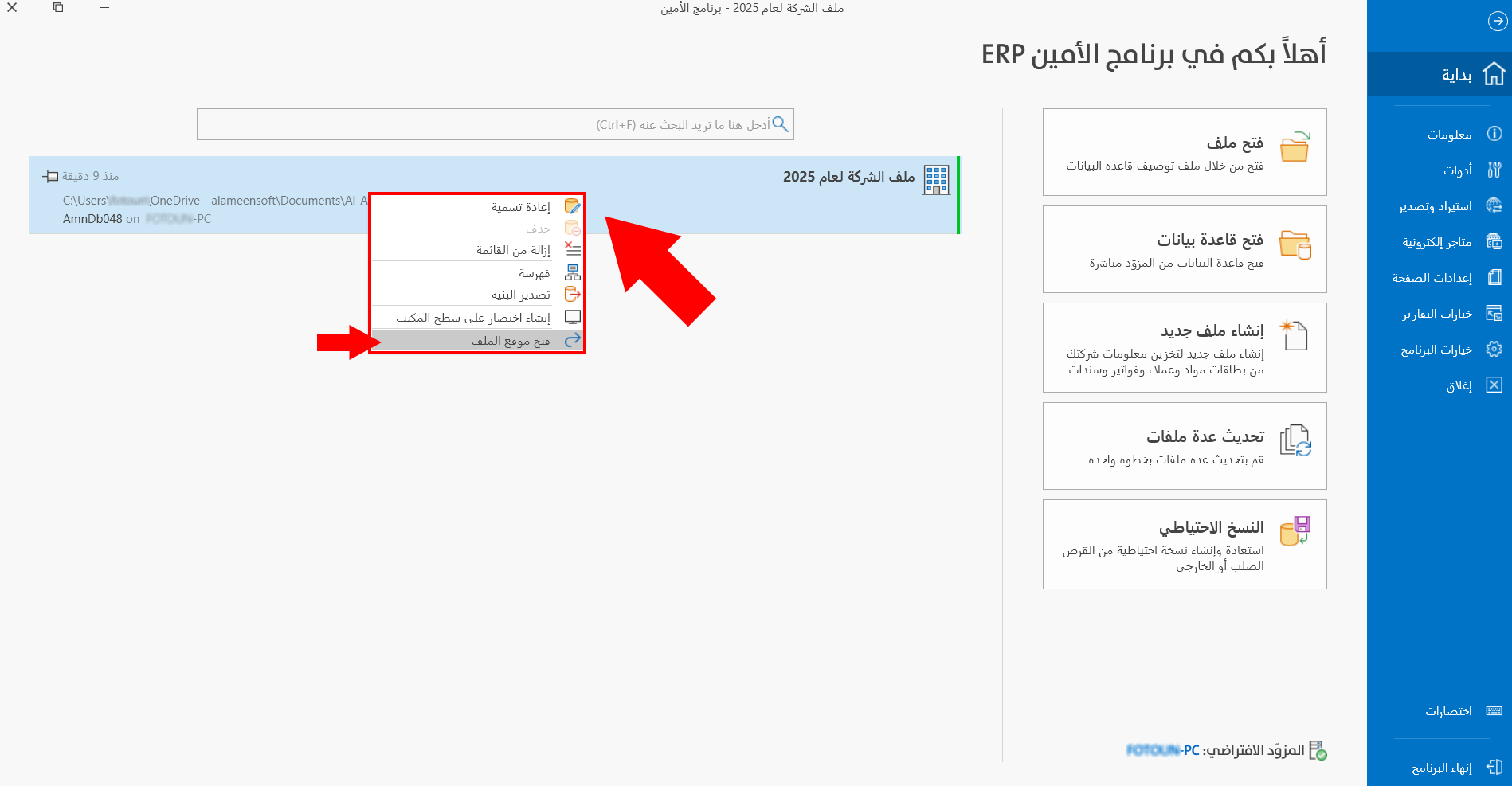
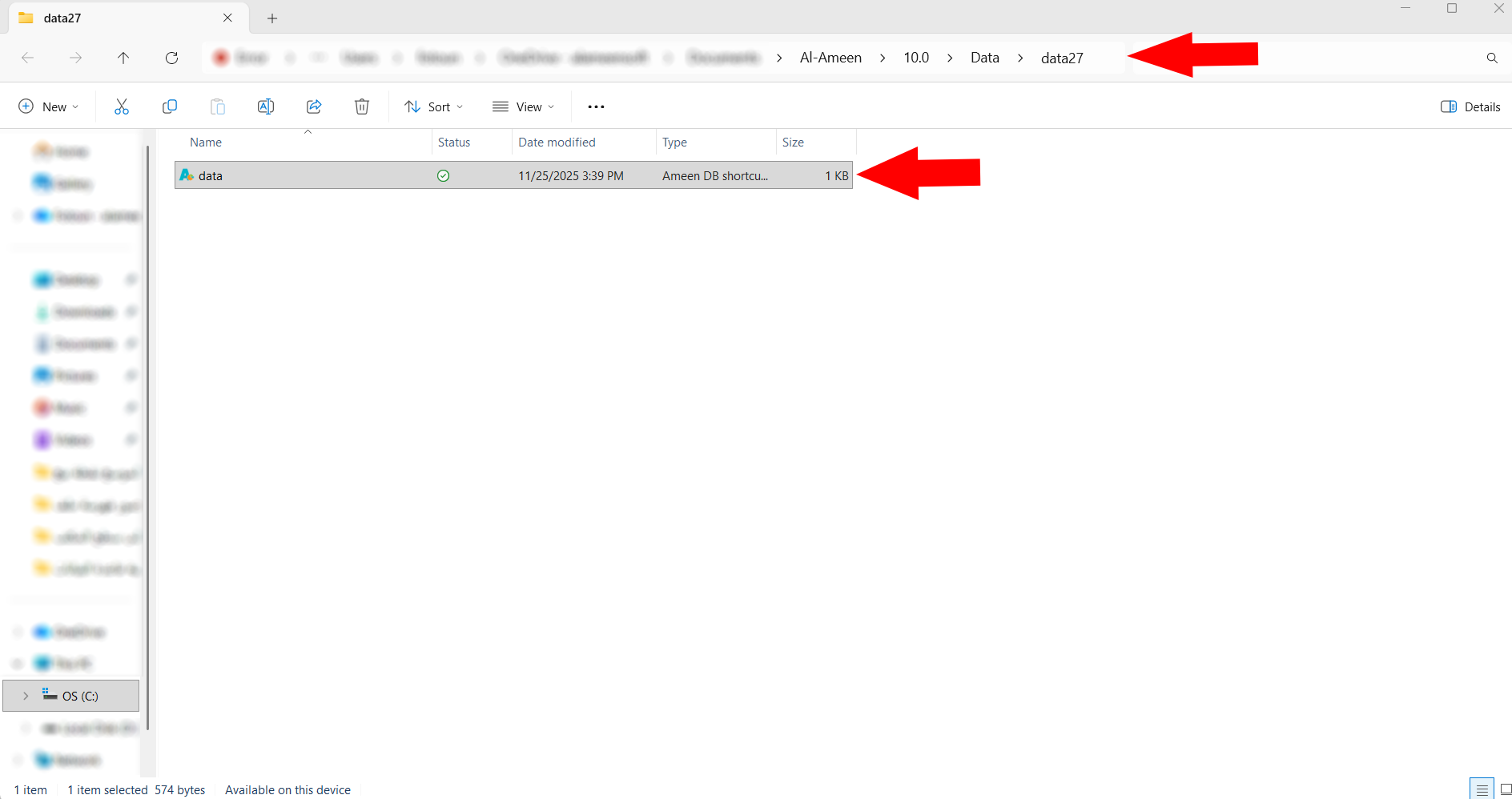
Click "Open File Location", and the program takes you directly to the location.
Tip
You can set the file location in the third stage of creating a new file.