Select the SQL Server and Database
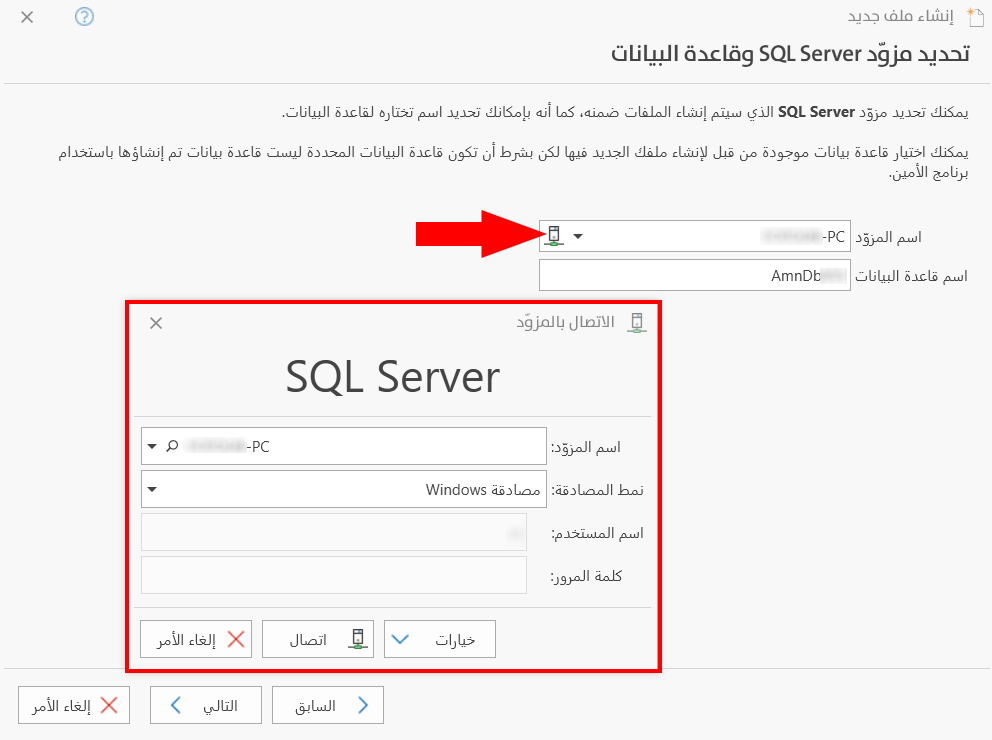
In the seventh stage of creating a new file, you select the SQL Server on which the files will be created, and you can also set a name of your choice for the database.
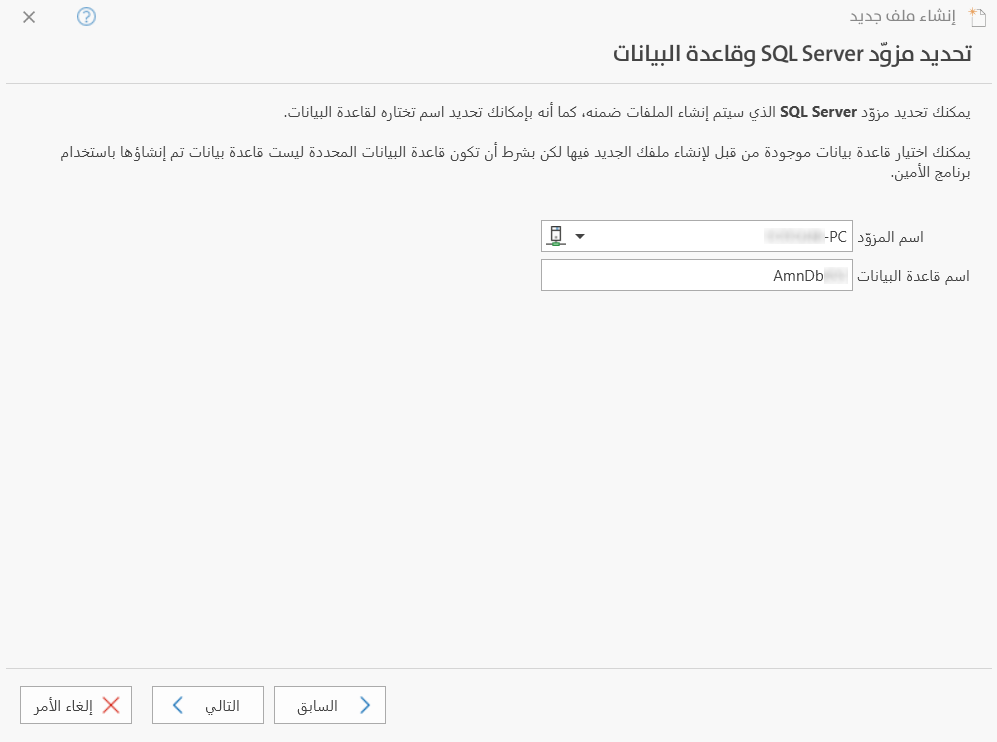
Server Name
Set in this field the name of the server on which the database will be created.
Database Name
Enter in this field the name of the database the server will use. If the database already exists, you can type its name directly in the field.
You can choose an existing database to create your new file in, provided that the selected database was not created with alameen.
Connect to Server
The "Server Name" field has an icon you can use to connect to the server. After you click the icon, the Connect to Server window opens so you can enter the required information.