Enter Files Description
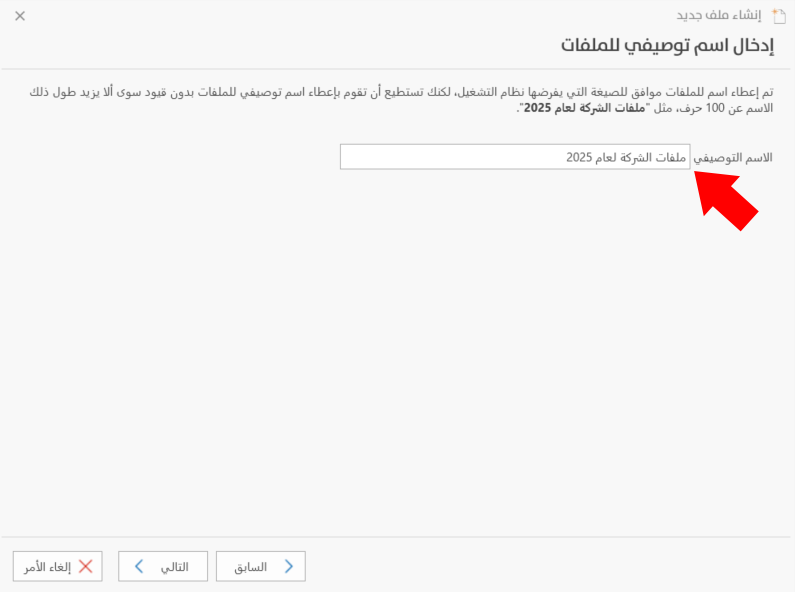
After you click "Next" in the Notes on the File Location window, the program moves to this window, where you enter the descriptive name of the file.
The files are given a name that follows the format required by the operating system, but you can give them a descriptive name without restrictions, except that it must not exceed 100 characters, such as "Company files for 2025".
Enter a suitable name for the file in the "Descriptive Name" field.
Click "Next" to go to the sixth stage of creating the file, "Back" to return to the fourth stage, or "Cancel" to cancel creating the file.