Opening Date
This is the eighth stage of creating a new file. In it, you set the opening date, which is the date accounting operations start. Once this date is set, operations and entries dated before it cannot be saved, and by default the program considers the closing date to be the end of the year set here. You can change this date in Program Options, on the "Default Values" tab.
Note: This date does not have to match the start of the year (1/1).
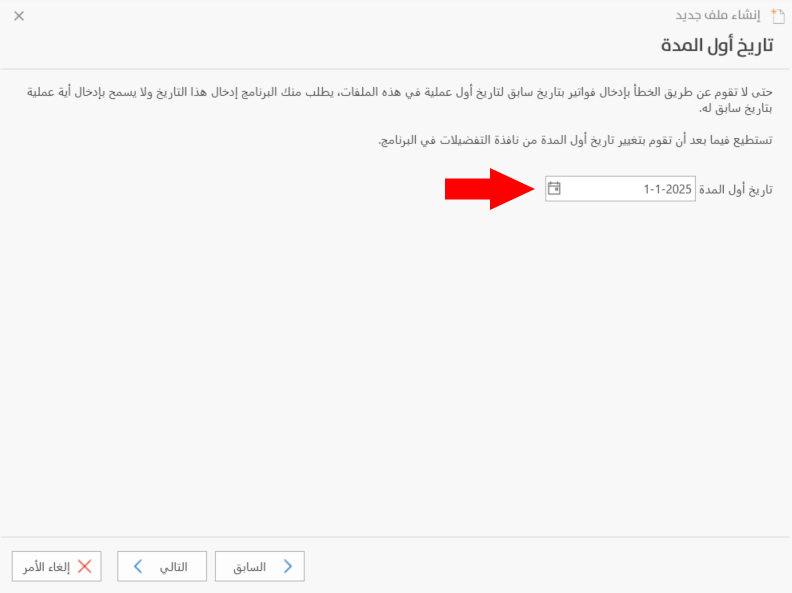
Opening Date
Enter in this field the date accounting operations start. By default, the program fills the field with 1/1 of the current year.
Click "Next" to go to the ninth stage of creating a new file, "Back" to return and make changes in the previous windows, or "Cancel" to cancel creating the file.